The photo album, from birth to today
Keep your pet's photos in one place, sorted by how old they were, and share a "then & now" card.
Every pet has an album on its Profile tab. Photos are sorted by how old your pet was when each was taken, so you can scroll from the first week to today.
Steps
Open your pet and tap Profile. The Album card shows the newest photos and how many there are.
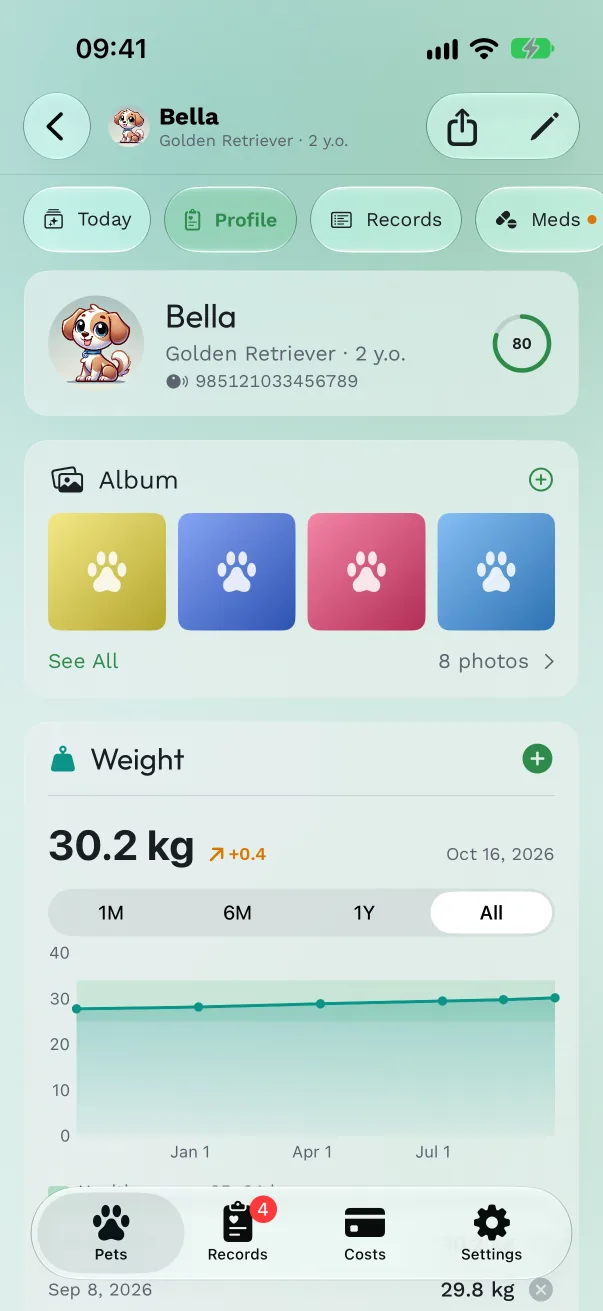
Add photos. Tap + on the card, then Photo Library to pick several at once, or Take Photo. Pet Health+ doesn't ask for access to your whole library: you choose which photos it gets. Each photo is dated from when it was taken.
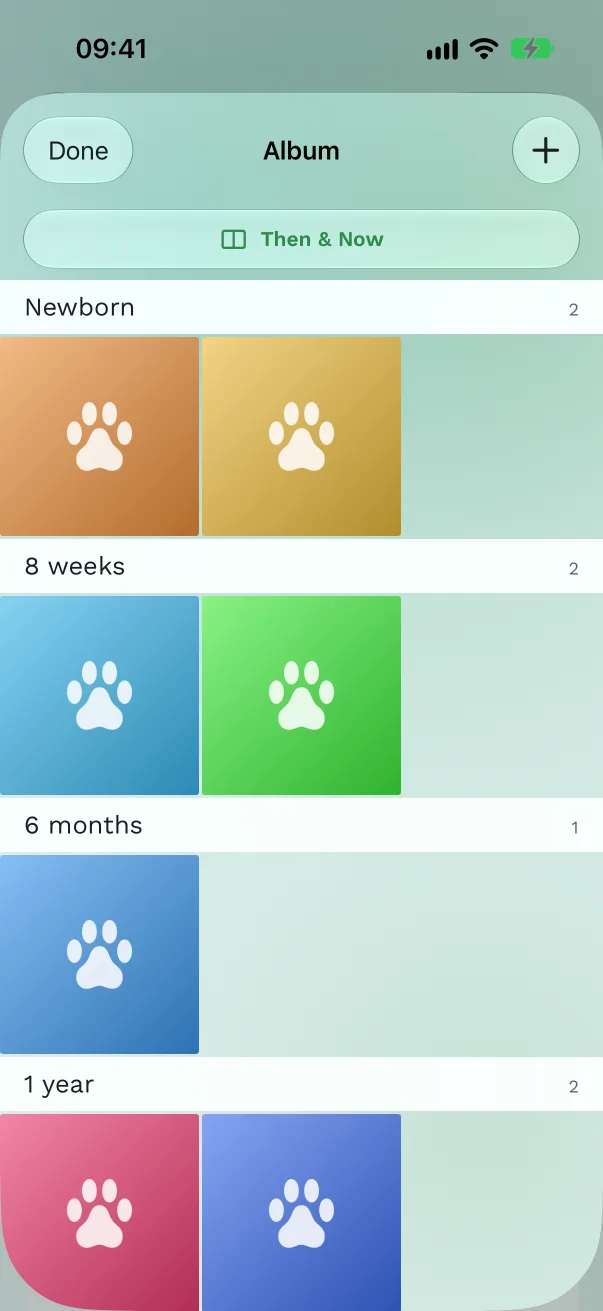
See them all. Tap See All. The album is grouped by your pet's age: Newborn, 8 weeks, 6 months, then one group per year. Without a birthday on the profile, it's grouped by calendar year.
Look closer. Tap a photo to see it full screen with your pet's age and the date, for example "3 months old · 12 Jan 2024". Swipe for the next one.

Edit, share or delete. In a photo, tap Share, or tap More for Edit (change the date taken and add a caption), Use as Profile Photo, or Delete.
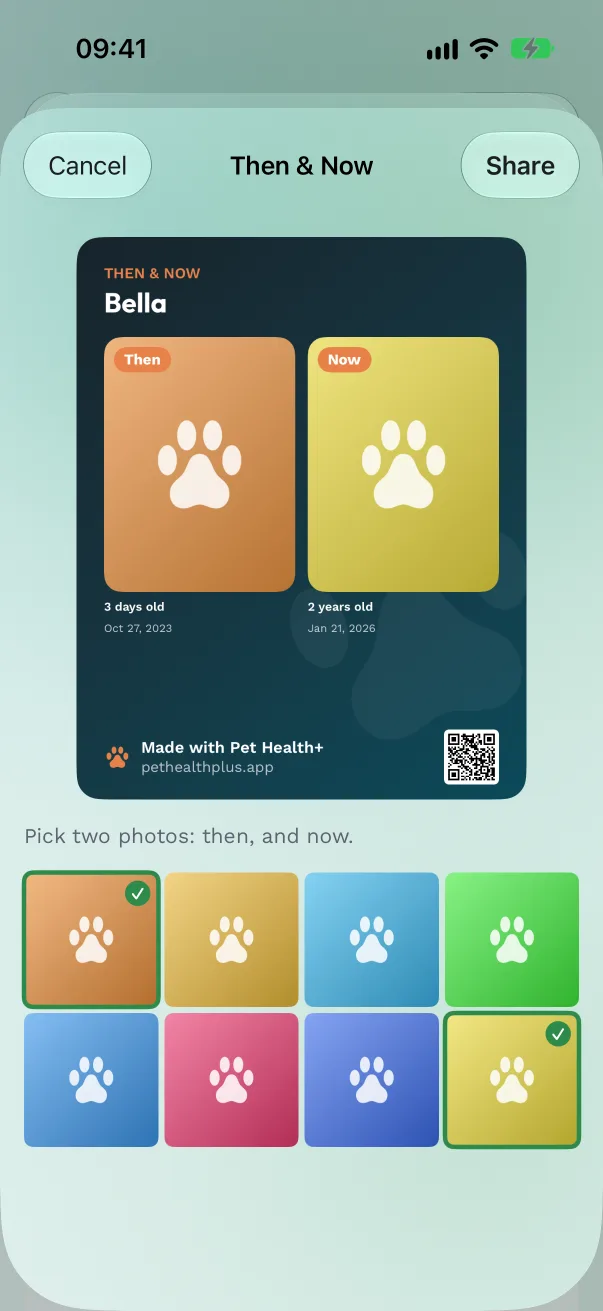
Make a then & now card. In the album, tap Then & Now. The oldest and the newest photo are picked to start; tap others to swap them. Tap Share to send the card, with both ages and the dates on it.
Free or Pro
Up to 20 photos per pet are free. Pro adds unlimited photos. If Pro ends, your photos stay and you can still look at and share them. Adding more, editing and deleting then need Pro.
Good to know
- A photo you delete waits 30 days in Settings → Recently Deleted.
- Use as Profile Photo also makes it the album's cover, which a remembered pet's memorial card shows. A remembered pet's album is never limited.
- People you share a pet with can see its album and share photos from it. They can't add photos yet.
- Photos sync with iCloud and go into your backups with their dates and captions. A photo that iCloud hasn't downloaded to this device yet appears once it has.
Get Pet Health+
Free to start, no account. For iPhone, iPad and Apple Watch.