Emergency card and Apple Wallet
The vet, allergies, medications and microchip, ready when it matters: in the app, on the Lock Screen and in Wallet.
If your pet gets lost, falls ill on a trip or you're at an emergency clinic at night, the details you need are on one card: the vet's number, allergies, current medications, conditions and the microchip.
Steps
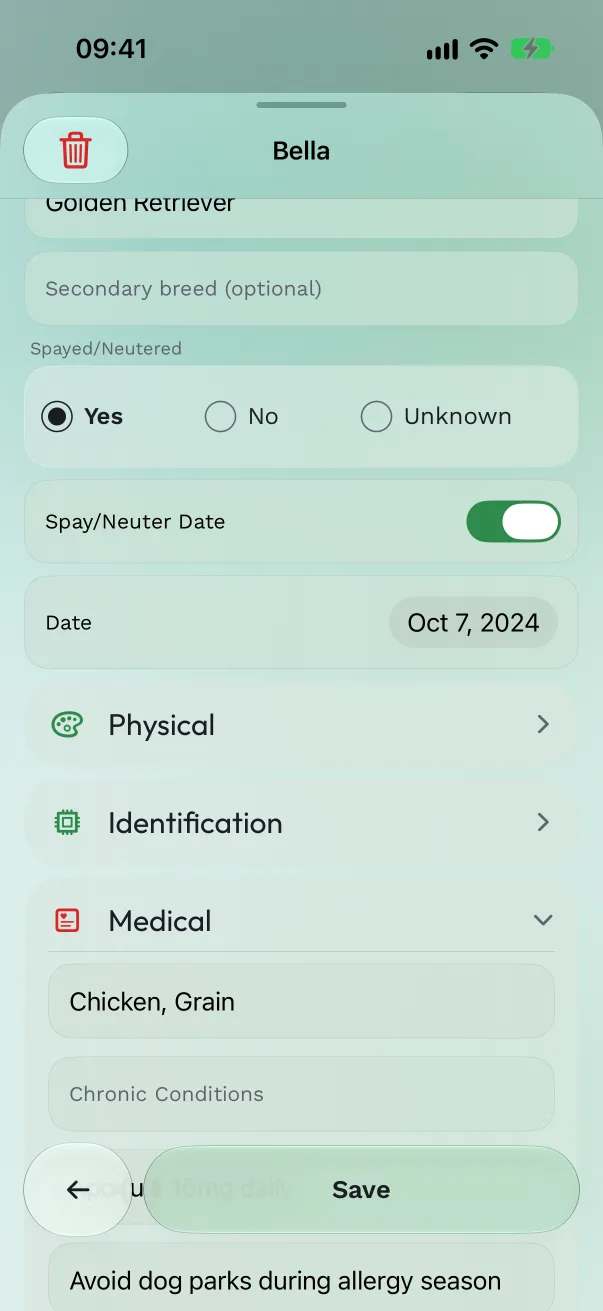
Fill it in. On the pet's Profile, tap the pencil (Edit pet). Add the Microchip Number; under Medical, Known Allergies, Chronic Conditions, Current Medications and Special Instructions; under Veterinarian, the vet's name, phone, email and address. You can import the vet from Contacts.
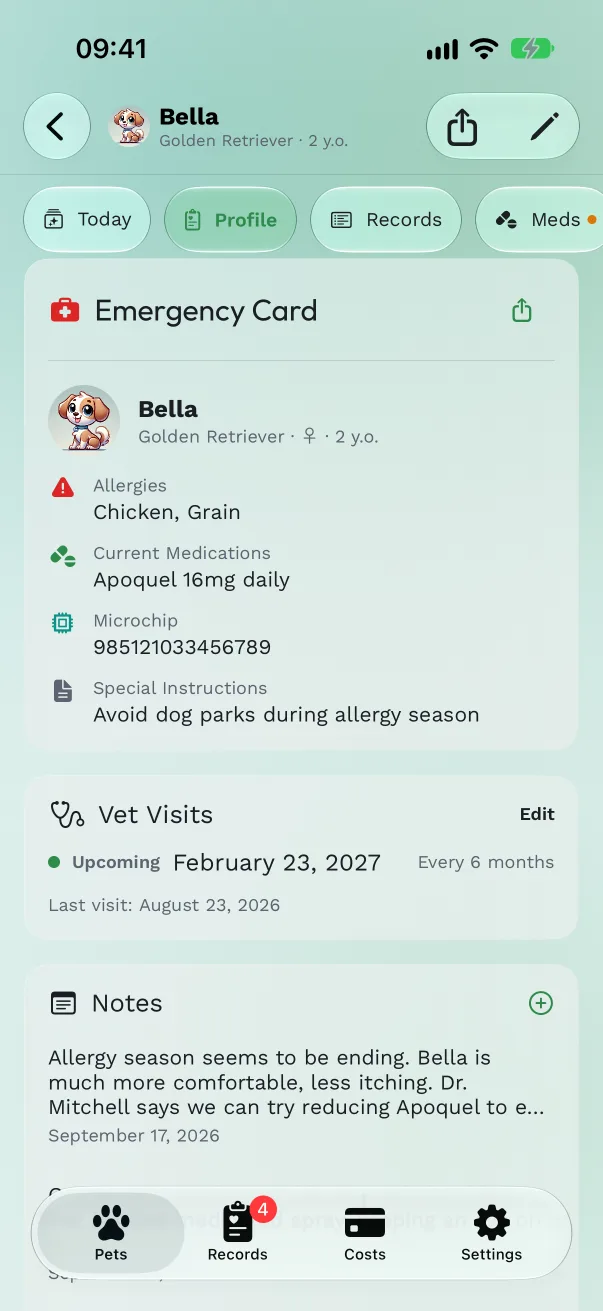
Find it. The Emergency card sits at the top of Today, with Call for the vet. Open full card shows the full Emergency Card on Profile.
Put it on the Lock Screen. Add the Emergency Card widget to the Lock Screen or Home Screen, or the Show Emergency Card control to Control Center or the Action button. See Widgets and controls. Siri opens it too: "Show emergency card for Bella in Pet Health+".
Add it to Apple Wallet. Under the Emergency card, tap Add to Apple Wallet, check the pass, and tap Add. The pass shows your pet's photo, type, allergies, microchip and the vet's phone, and works even without the app. When you change the card, Update pass refreshes it; View in Wallet opens it.
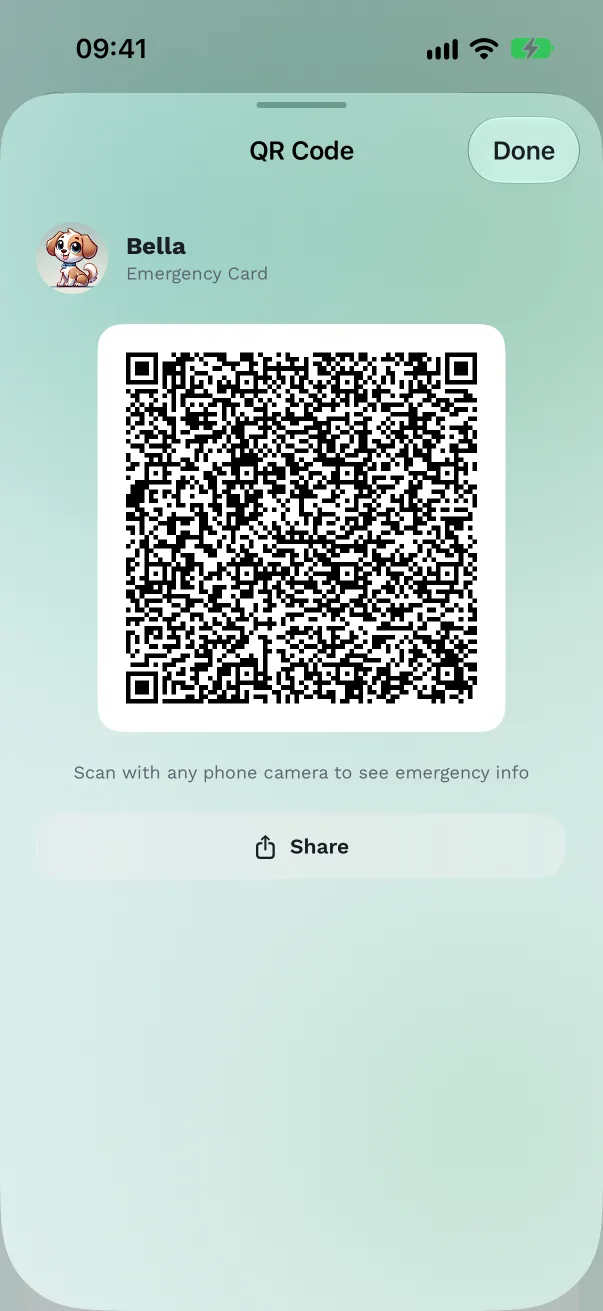
Share it as a QR code. In the share menu, Share QR code makes a code that anyone can scan with a phone camera to see the emergency details. Print it for a pet sitter, or put it on a collar tag.
Free or Pro
The Emergency card, its widget and control, and Siri are free. The Apple Wallet pass and the QR code are part of Pro.
Good to know
- To make a Wallet pass, the card's details are sent to our server to be signed, as Apple requires for every pass, and aren't kept there. Your records otherwise stay on your devices and in your iCloud.
- The pass says it's made from the owner's records and is not a veterinary document.
- The Emergency card is also on your Apple Watch, with Call vet (Pro).
Get Pet Health+
Free to start, no account. For iPhone, iPad and Apple Watch.