Widgets and controls
Your pets' day on the Home Screen and Lock Screen, with buttons that log things without opening the app.
Pet Health+ has five widgets and two controls. The widgets show what's due, the doses to give, a pet's weight trend and the Emergency card. Two of them have buttons: tap the circle beside a reminder to mark it done, or beside a dose to log it, without opening the app.
Steps
Add a widget. Touch and hold the Home Screen, tap the + in the corner, and search for Pet Health+. Swipe through the sizes, then tap Add Widget. You'll see these widgets:
- Today's Care — what's due today and this week, and the doses to give. Medium and large.
- Upcoming Reminders — the next vaccinations, treatments and procedures. Small and large.
- Weight Trend — the last 90 days of one pet's weight. Small.
- Emergency Card — the vet, allergies and microchip at a glance. Small.
- Pet Health+ — the next upcoming record. Small and medium.
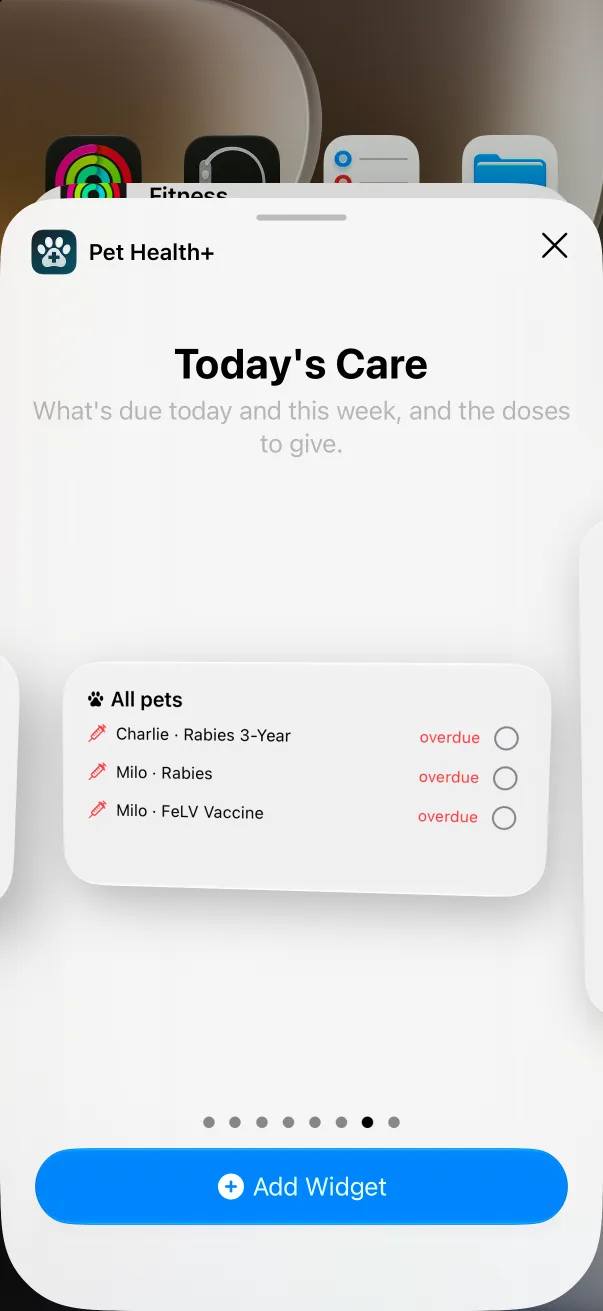
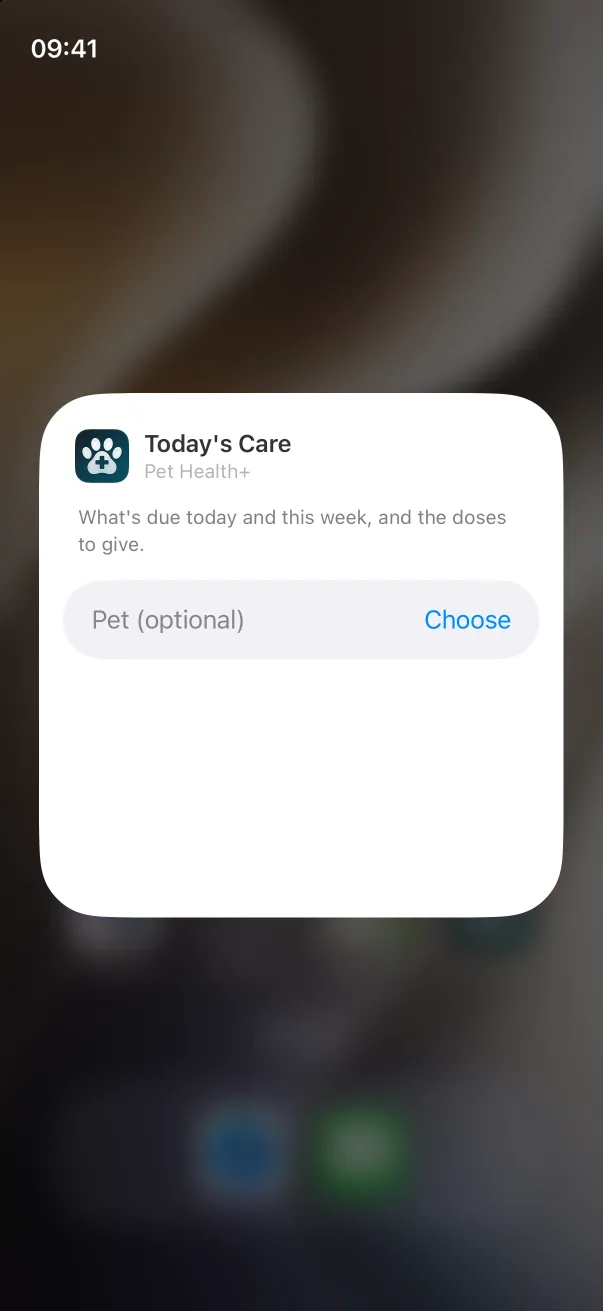
Choose the pet. Touch and hold the widget, tap Edit Widget, and set Pet. Today's Care and Upcoming Reminders can show all pets: leave the field blank and the header reads All pets. Weight Trend and Emergency Card show one pet.
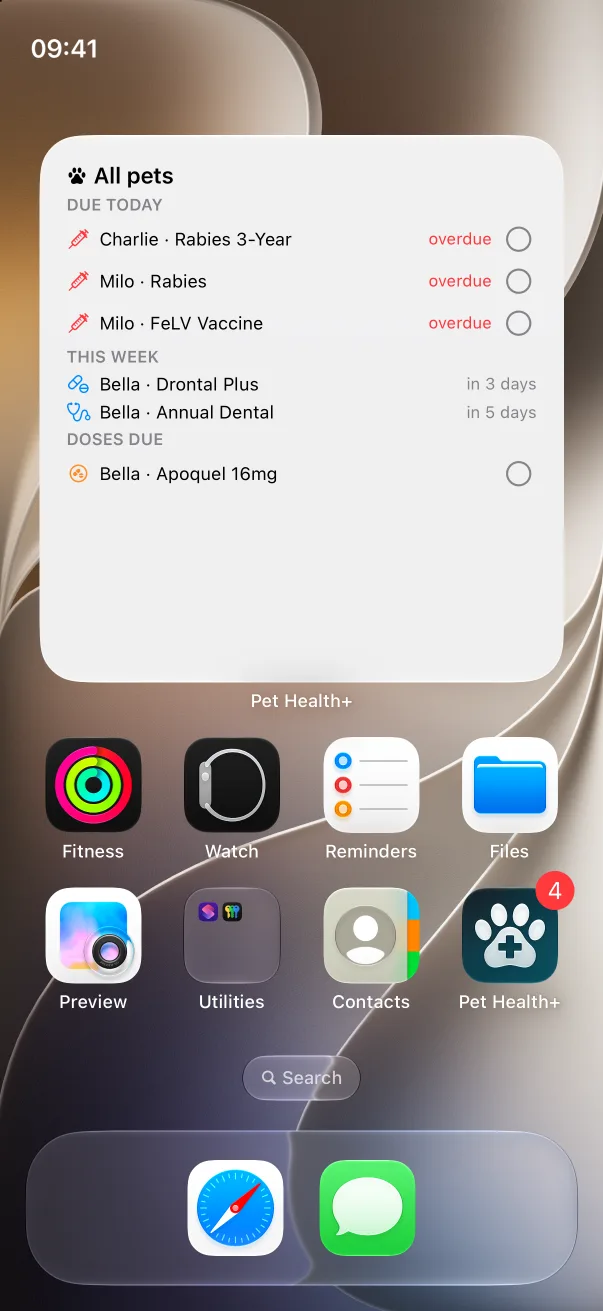
Mark things done from the widget. In Today's Care, each row under Due today and Doses due has a circle. Tap it: it fills, the row disappears, and the record or dose is saved in the app exactly as if you'd logged it there. Upcoming Reminders has the same button on reminders due today.
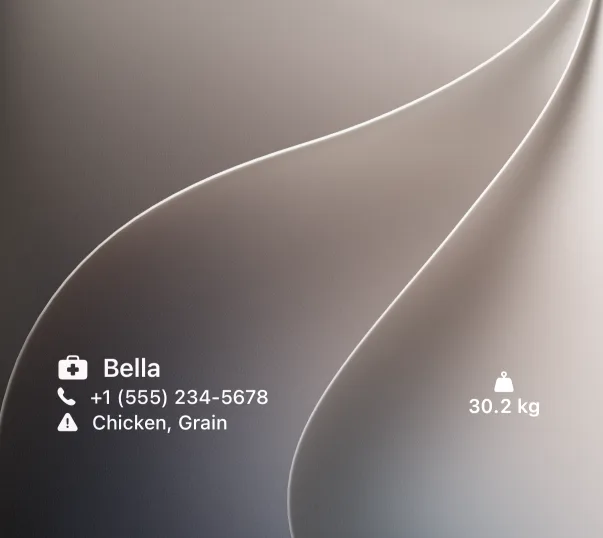
Put a widget on the Lock Screen. Touch and hold the Lock Screen, tap Customize, tap the widget area under the clock, and pick Pet Health+. Upcoming Reminders, Weight Trend and Emergency Card come in the small Lock Screen shapes; the Pet Health+ widget also works in the line above the clock.
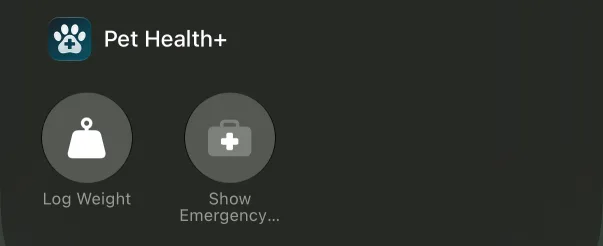
Add the controls. Open Control Center, touch and hold an empty spot, tap Add a Control, and search for Pet Health+. There are two:
- Log Weight opens the app on your pet's page with the weight sheet ready.
- Show Emergency Card opens the app on the pet's Emergency card. Each control shows the pet you picked under Choose Pet. Leave it blank and the control uses the pet you looked at last. The same two controls can go on the Lock Screen's bottom corners and on the Action button (Settings → Action Button → Controls).
Free or Pro
The Emergency Card widget and the Show Emergency Card control are free. Today's Care, Upcoming Reminders, Weight Trend, the Pet Health+ widget and the Log Weight control are part of Pro. Without Pro they show "Pet Health+ Pro" and open the upgrade screen when tapped.
Good to know
- The widgets follow the language you chose in the app's Settings, and roll over to the new day at midnight.
- When something is due or overdue, Today's Care and Upcoming Reminders ask the Smart Stack to show them first.
- The Done and Log dose buttons appear only on your own pets. On a pet shared with you the rows show without a button.
- Widgets use the colors of your Home Screen: tinted and clear modes work.
If something's off
- The widget says "All caught up" but the app shows something due — open the app once; widgets refresh from the app's data, and a pet added seconds ago may not be there yet.
- The widget is empty after changing the pet — Weight Trend needs at least one weight entry; Emergency Card needs the vet, allergies or microchip filled in on the pet's Profile.
Get Pet Health+
Free to start, no account. For iPhone, iPad and Apple Watch.